Setup matched to your device
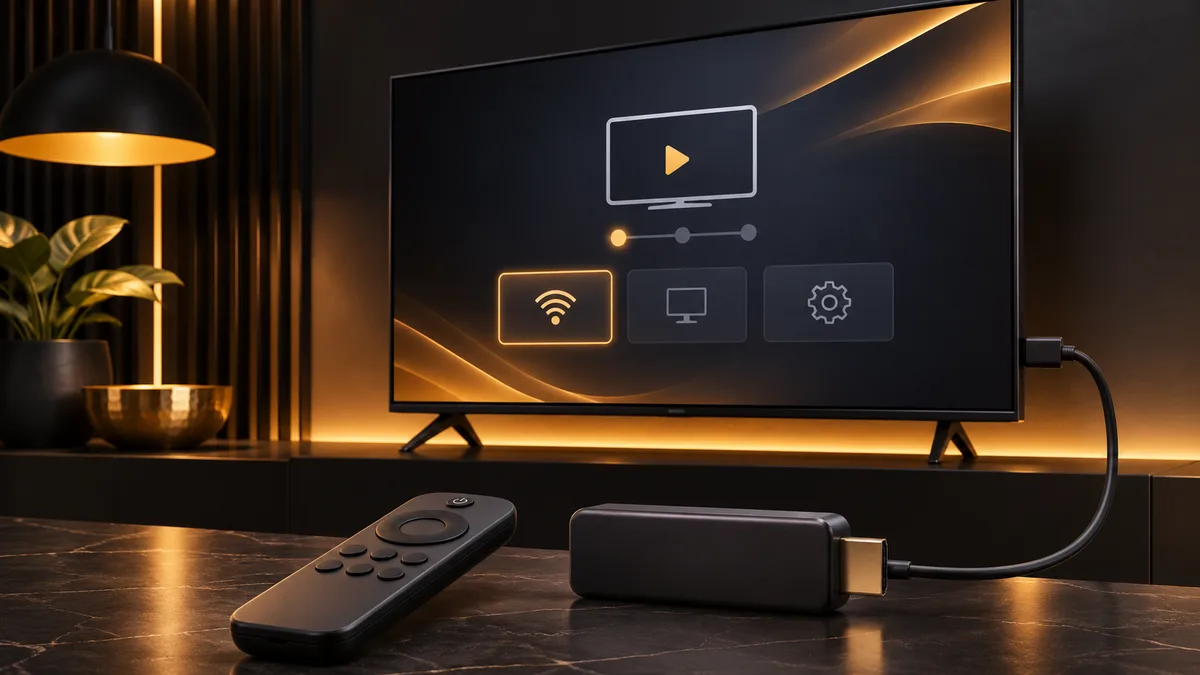
Send your exact Fire TV model and preferred player so support can prepare the appropriate format.

Firestick IPTV · 24-hour trial
Test the service on your own device for 24 hours, then choose a plan for one to four screens with setup help matched to your model.
The Firestick IPTV advantage
One clear route from device check to trial, activation and support.
Send your exact Fire TV model and preferred player so support can prepare the appropriate format.
Choose one to four devices and a term from one to twelve months, with every price shown before you order.
Send one complete request through WhatsApp or email with the plan, device, country and setup details.
Entertainment on every screen
Use the trial to check playback, app compatibility and picture quality on the exact device and connection you plan to use.

Pricing plans
Start with a 24-hour trial, then select the number of devices and subscription length that suit you.
1 device
From£19.99/ month
Popular
2 devices
From£29.99/ month
3 devices
From£39.99/ month
4 devices
From£49.99/ month
Simple activation
Start with the free 24-hour trial or select a paid subscription.
Add your device model, location, player and preferred setup format.
Support reviews the request and sends the activation details through your chosen contact method.

Compatibility first
Newer device names can look familiar while the software underneath has changed. Check the model and operating system shown on your own device before installing a player.
Setup and troubleshooting
Follow the shortest path for your device, player or playback issue.
Fire OS
Use the Amazon Appstore first and follow the installation route supported by your device.
Read guideVega OS
Confirm the exact device and choose a compatible player available for its operating system.
Read guidePlayback
Test the network, device resources, stream quality and service status in a useful order.
Read guideRecent blog
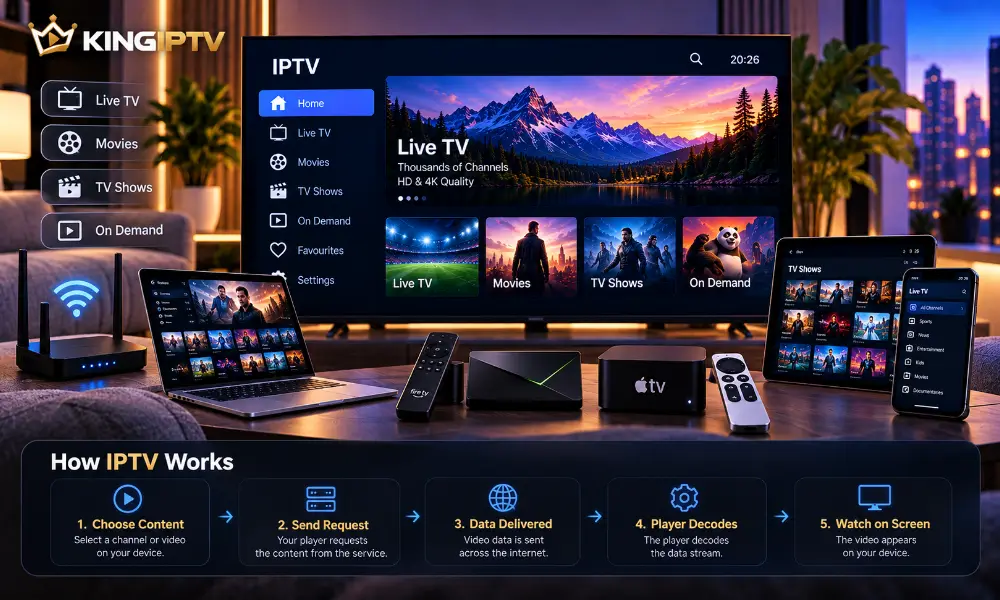
Understand the technology, compare your options and fix common problems before changing the whole setup.
IPTV basics
Learn what internet television needs and how it differs from traditional broadcast services.
Read article →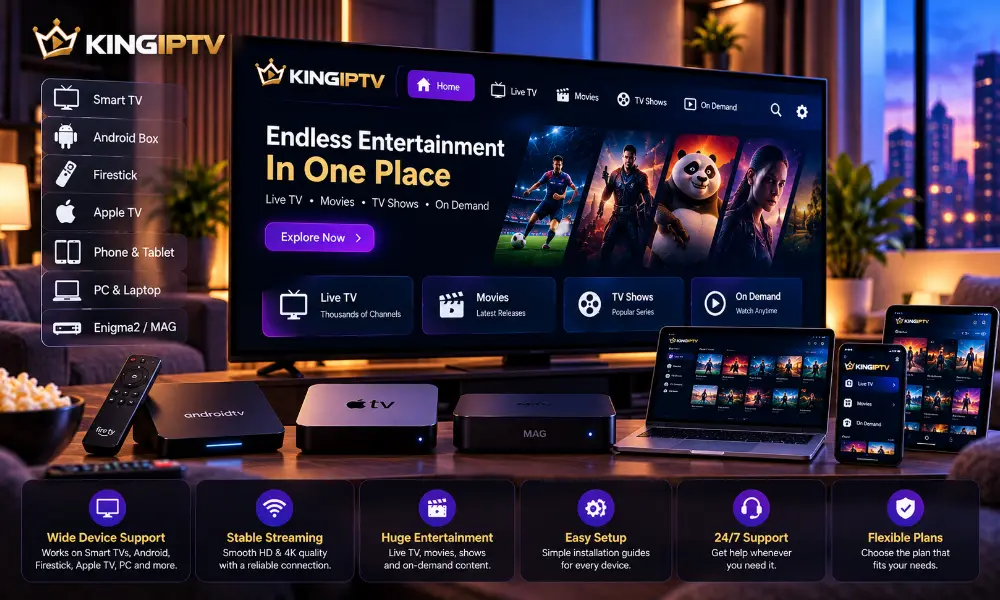
Buying guide
Compare compatibility, connections, trials, support and service policies before choosing a term.
Read article →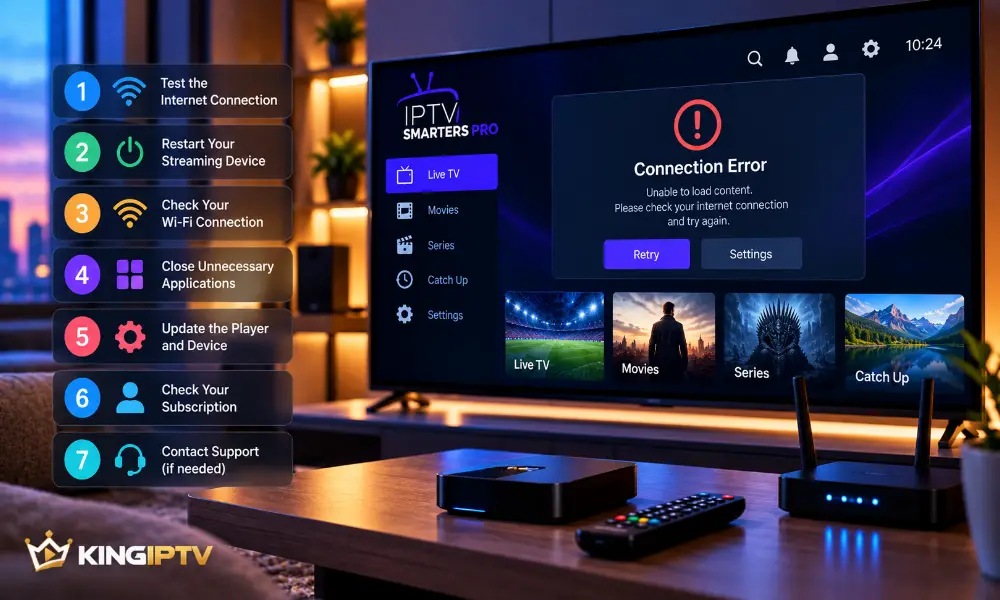
Troubleshooting
Separate network, player, device, account and provider problems one layer at a time.
Read article →FAQ
Quick answers about the trial, activation, devices and payment.
The trial lasts 24 hours and should be tested on the device and connection you intend to use.
Activation is completed within 24 hours after payment and all required device and setup information are received.
Available payment methods are PayPal, Skrill and USDT cryptocurrency.
If no format is provided in the order note, an M3U list is issued. Review the refund policy and terms before payment.
Try it first
Send the device model and location so support can prepare the appropriate setup format.